
Assistive Technology for Digital Access & Independence
Digital assistive technology is software that helps people who are blind or low vision access digital content through speech, Braille, or visual enhancements, enabling independent participation in work, education, and everyday life.
What is digital assistive technology?
Assistive technology includes screen readers, magnification tools, and combined solutions that translate visual information into accessible formats.
Screen readers convert on-screen content into speech or refreshable Braille. Magnification tools enlarge and enhance text, images, and interface elements for people with low vision. Some solutions combine both approaches to support evolving or varied vision needs.
These tools work alongside mainstream software, operating systems, and web technologies to make digital environments usable.

Why digital assistive technology matters
Assistive technology makes digital experiences usable for people who are blind or low vision. As work, education, and everyday life move online, access to digital content is essential for independence and participation.
When assistive technology works seamlessly with accessible design, it removes barriers and creates pathways to opportunity.
Enable independence across work, school, and daily life
Strengthen usability across digital environments
Expand inclusion and participation
Create digital experiences that allow people who are blind or low vision to engage fully and equally.
Support sustainable digital accessibility strategies
Bridge the gap between accessibility standards and lived user experience.
How people use digital assistive technology in everyday life
At work
In education
Students use assistive technology to read digital textbooks, complete assignments, participate in online learning platforms, and access research materials. It helps create more inclusive classrooms and learning environments where every student has the opportunity to succeed.
For communication & daily tasks
When accessing digital services & information
The role of digital assistive technology in inclusive organizations
Assistive technology is a critical part of creating inclusive digital environments.
Organizations use assistive technology to support employees and students with visual disabilities, enabling equal access to workplace tools, learning platforms, and internal systems. When paired with accessible design and development practices, assistive technology helps ensure digital experiences are not only technically accessible but usable in real-world situations.
Assistive technology also plays an important role in broader accessibility strategies. It bridges the gap between accessibility standards and lived user experience, helping organizations better understand how digital experiences work for people who rely on screen readers, magnification, and Braille.
Organizations that understand how assistive technology is actually used are better equipped to design, test, and sustain accessible digital experiences.

Choosing the right digital assistive technology
There is no one-size-fits-all solution in assistive technology. The right approach depends on a person’s vision, tasks, environment, and preferences.
Taking a thoughtful approach helps ensure assistive technology supports independence, productivity, and long-term success.
- Whether speech, magnification, or a combination of both is needed
- Compatibility with IT policies, security requirements, and deployment environments
- Compatibility with the software, systems, and platforms being used
- The level of training and ongoing support available
- How progressive vision loss is a real scenario for many people
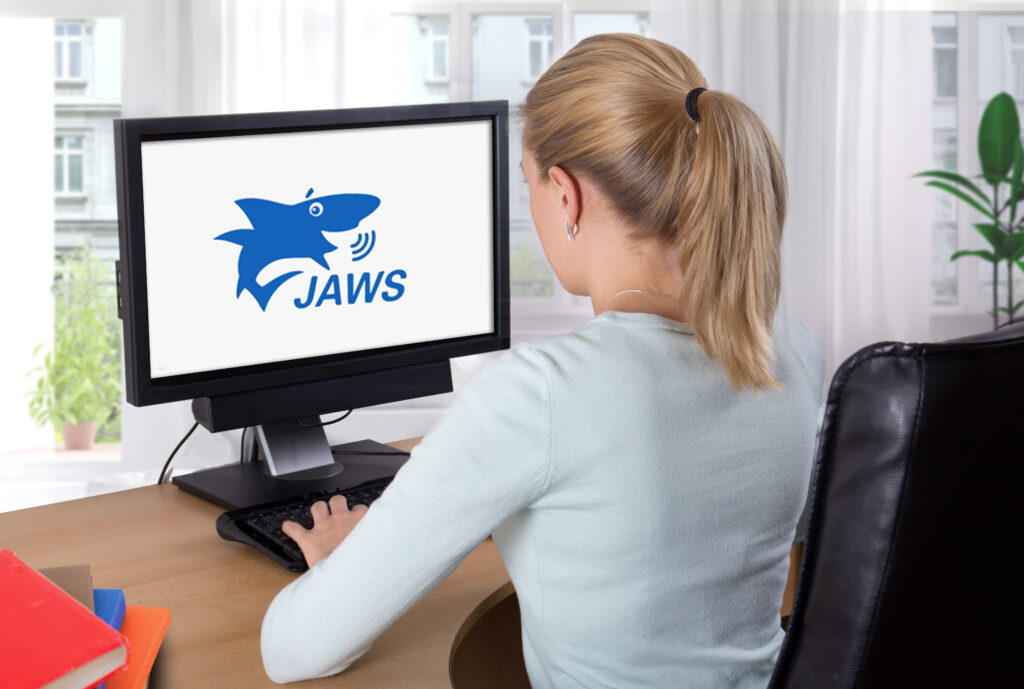
Training, support, & long-term success
Assistive technology is most effective when paired with training and ongoing support.
Learning how to use keyboard commands, navigation strategies, and application-specific techniques helps people who are blind or low vision work more efficiently and confidently. For organizations, providing structured onboarding and internal support models helps ensure assistive technology is used consistently and successfully.
Long-term success also depends on keeping pace with evolving software, operating systems, and digital tools. Ongoing updates, training, and expert guidance help users and organizations maintain reliable access as technology changes. Structured training and expert support are essential for sustained success.
Frequently asked questions
What is digital assistive technology software?
Assistive technology software helps people who are blind or have low vision access digital information through speech, magnification, and Braille output. Vispero’s solutions — JAWS, ZoomText, and Fusion — are trusted worldwide to create accessible, inclusive experiences.
Who benefits from digital assistive technology?
Is digital assistive technology the same as digital accessibility?
How does digital assistive technology work with workplace and learning platforms?
Does providing digital assistive technology ensure compliance with accessibility regulations?
How does digital assistive technology fit into a broader accessibility program?
Continue your digital assistive technology journey
Whether you are exploring assistive technology for yourself or supporting accessibility within an organization, the next step is learning how the right tools and expertise can support your goals.